 PicPrep
One small app, from the shoot to the post.
Select, Compose, Watermark and Export, on your computer. Here is each stage in the real app, with the CC0 sample photos it ships with.
Your moments, ready to post.
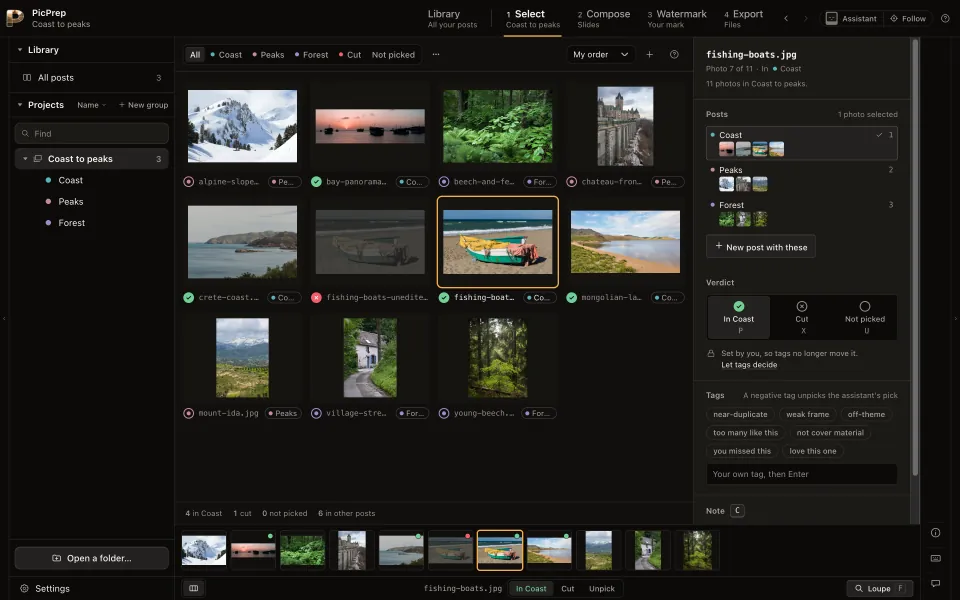
Mark the keepers.
In the post, cut, not picked: P X U. What you cut stays in sight.
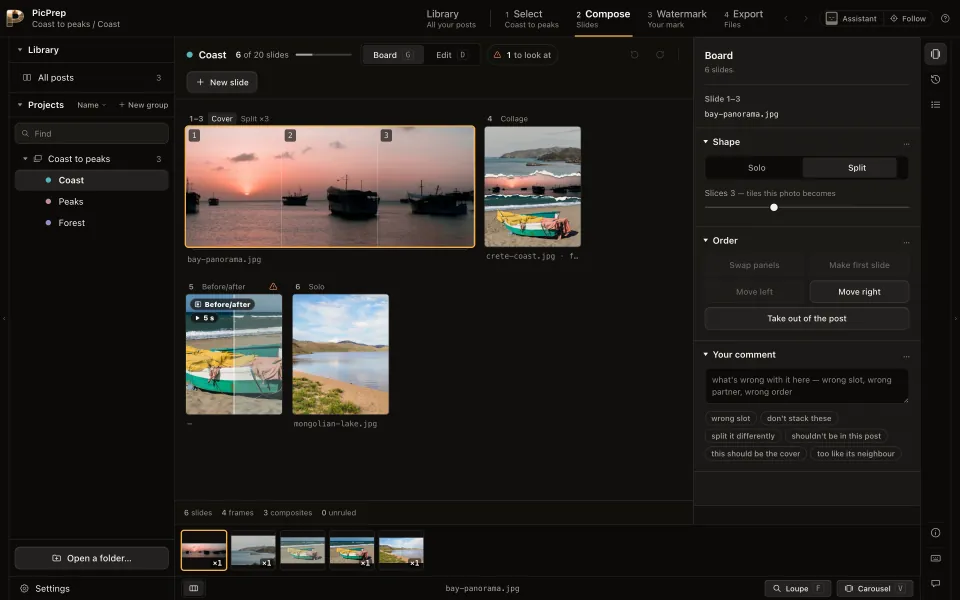
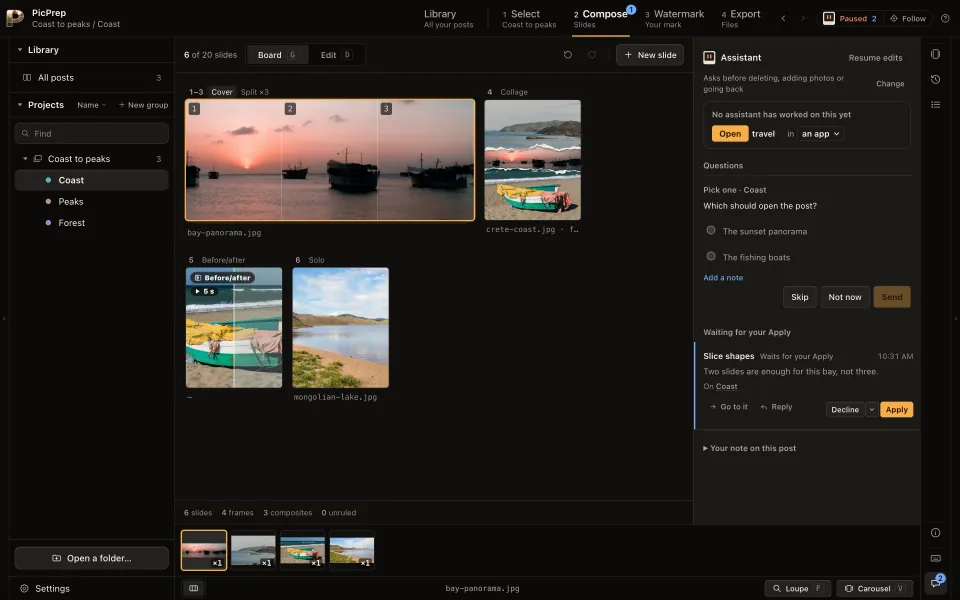
Lay out the post.
Order, pairs, panoramas. It warns where a platform would crop.
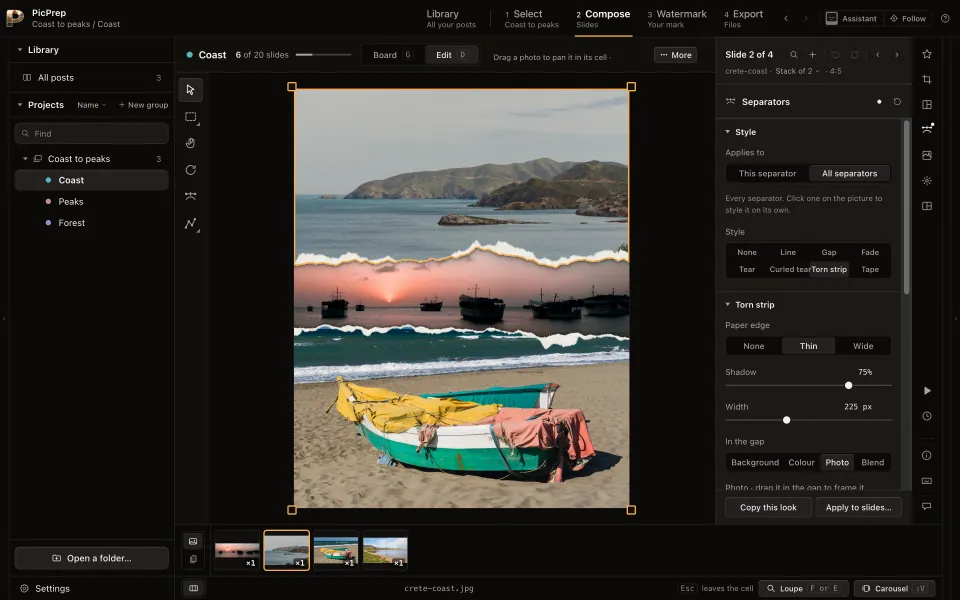
Frame each slide.
Crop, layouts, separators, backgrounds.
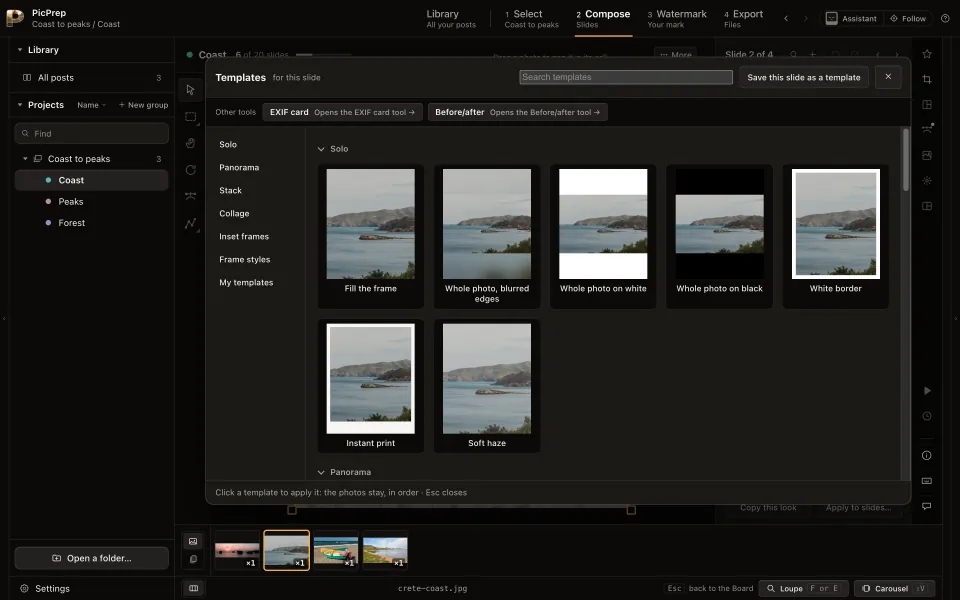
Start from a layout.
Stacks, grids, side by side. Save your own.
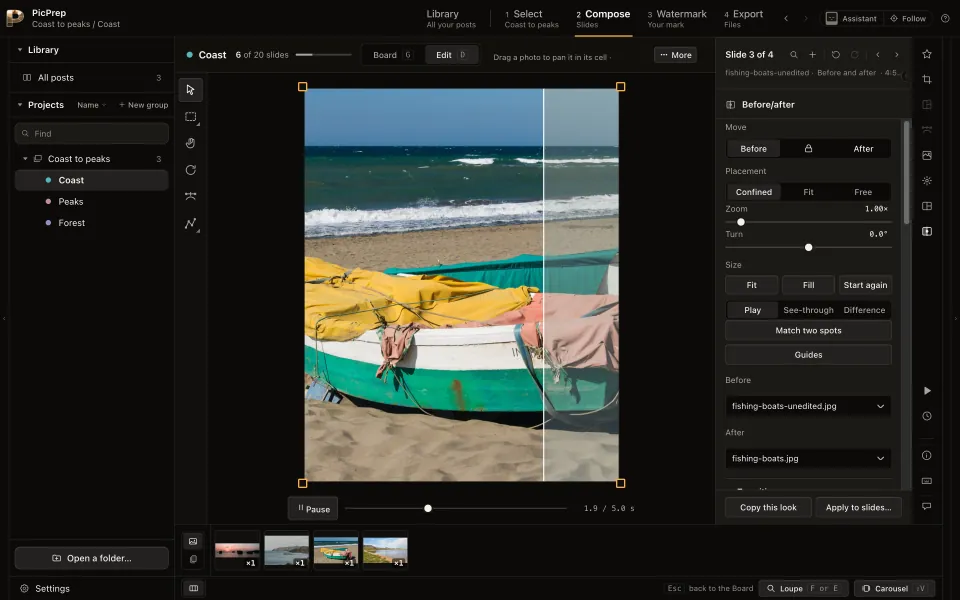
Before and after.
A wipe between two versions, as MP4, GIF or WebM.
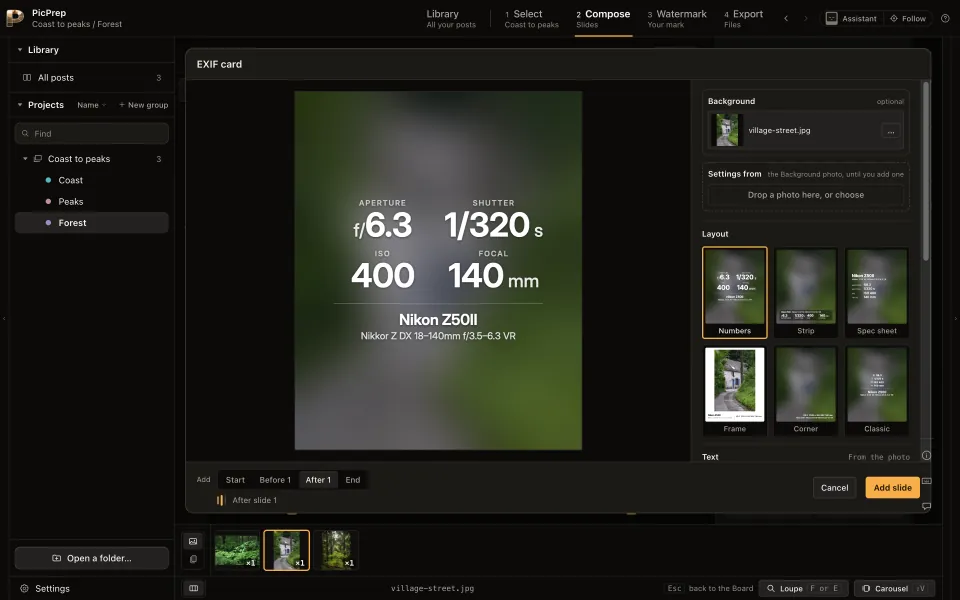
EXIF cards.
Camera, lens and settings, read from the photo.
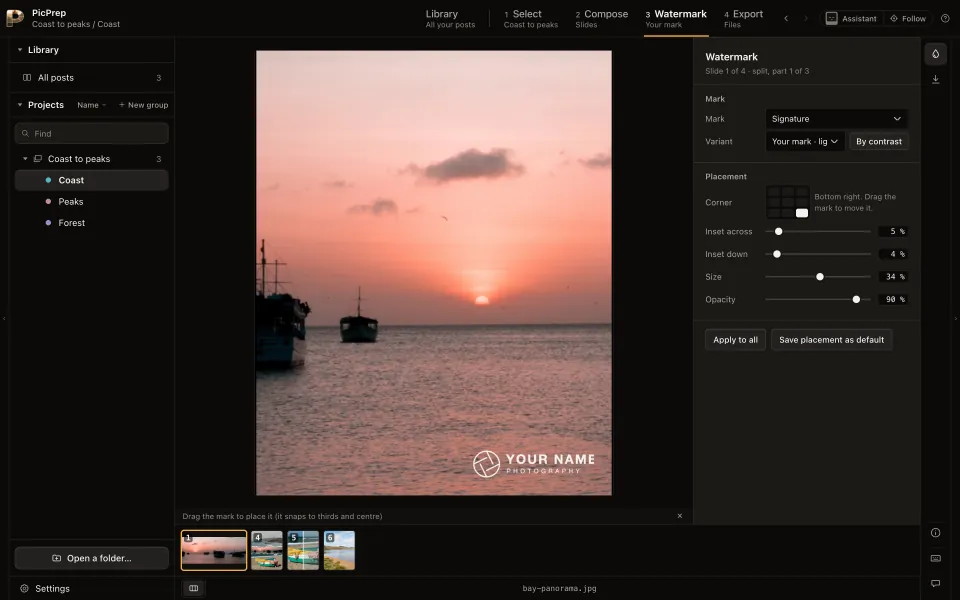
Add your mark.
PicPrep picks the version that stays legible.
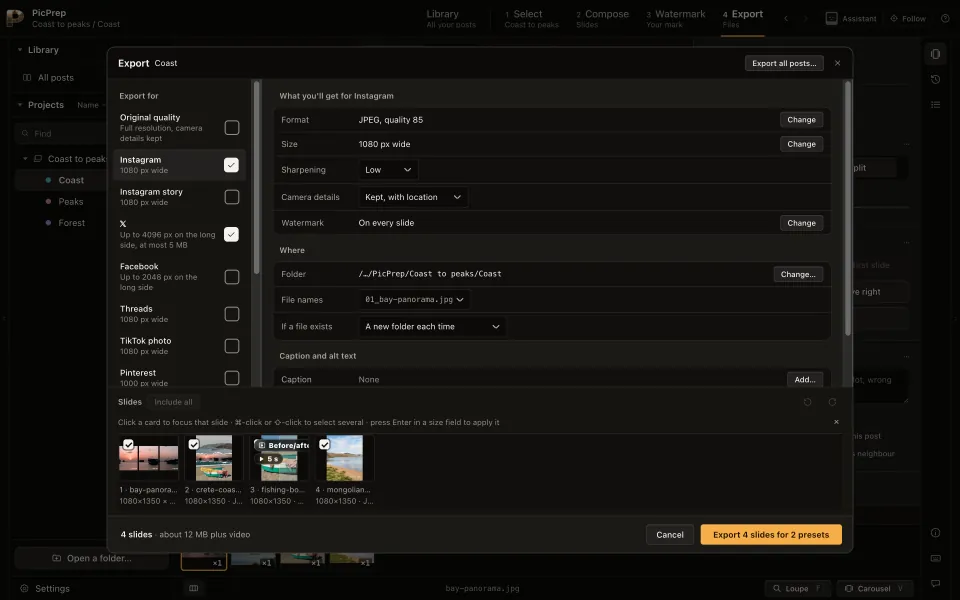
Export for several platforms at once.
Full size by default. Caption and alt text too.
With your AI assistant


Your photos stay on your computer.
No uploads, no telemetry. Works offline. Privacy notice
Runs on
macOS, Windows and Linux.