 PicPrep
One small app, from the shoot to the post.
Select, Compose, Watermark and Export, on your computer. Here is each stage in the real app, with the CC0 sample photos it ships with.
Watch: you and your AI assistant
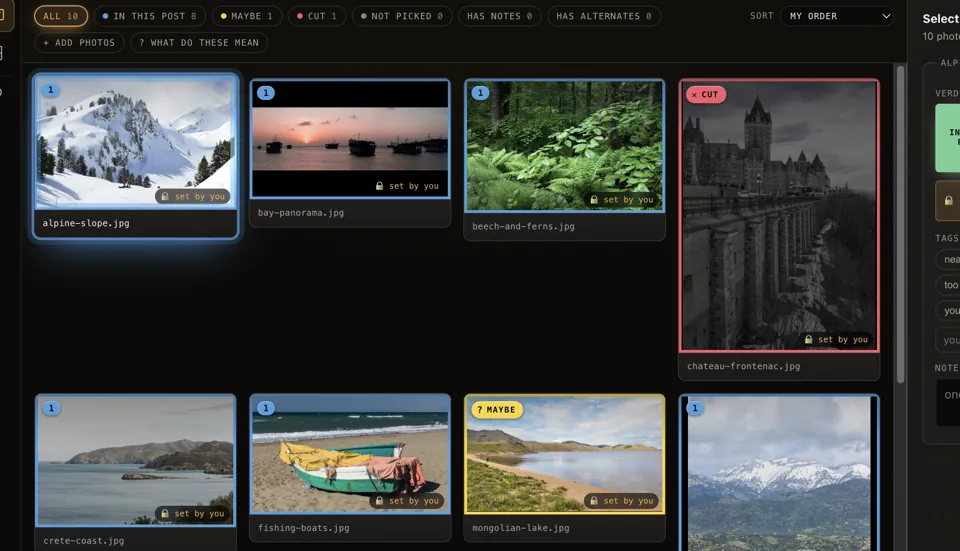
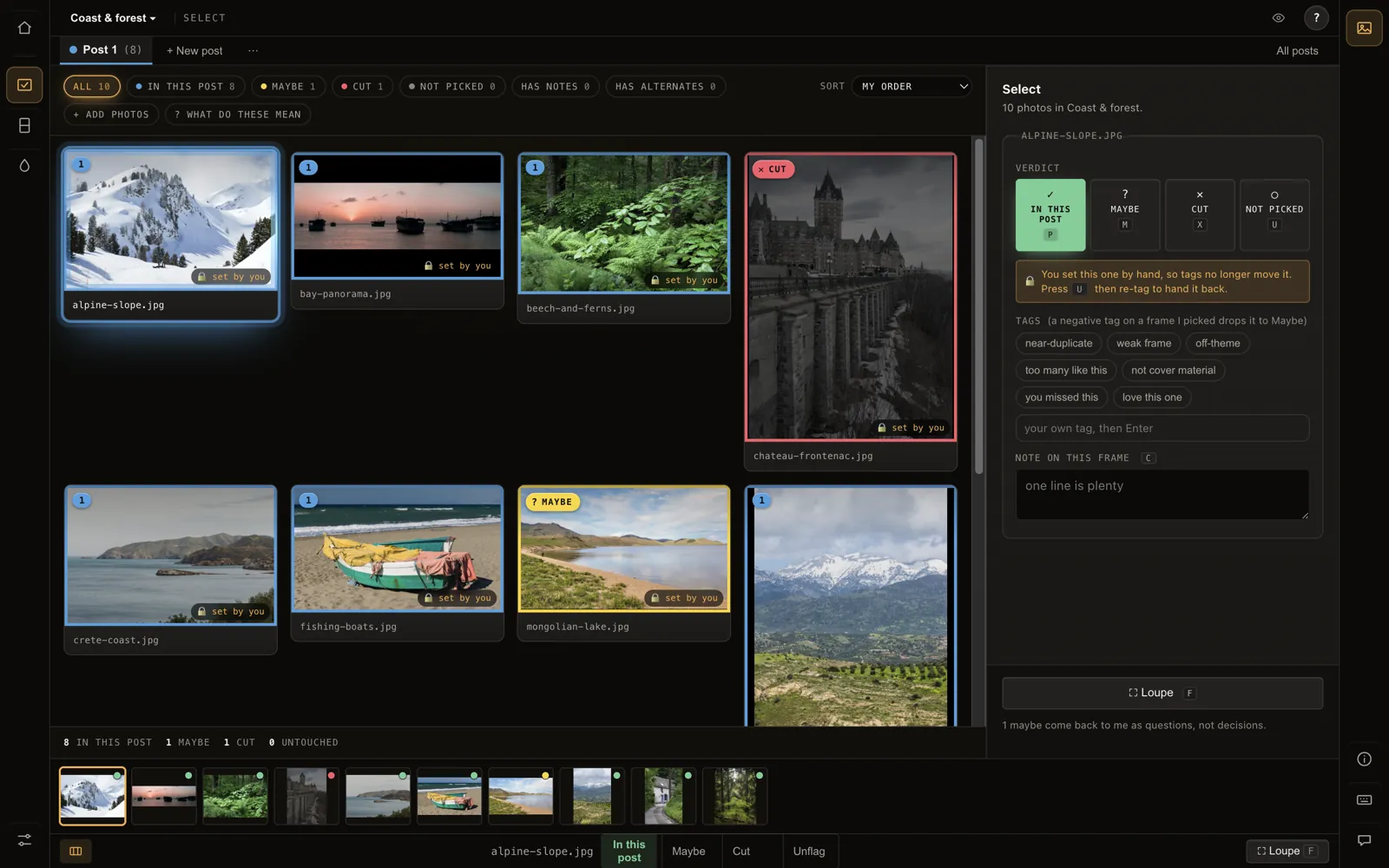
Select
Decide which frames make the cut. Each photo is in a post, a maybe, cut, or not picked yet, with the same keys every time: P, M, X.
What you cut stays in sight with its reason, so nothing good disappears quietly. Swap in the frame that was not picked, tag what is wrong, leave a note.
Compose: the Board
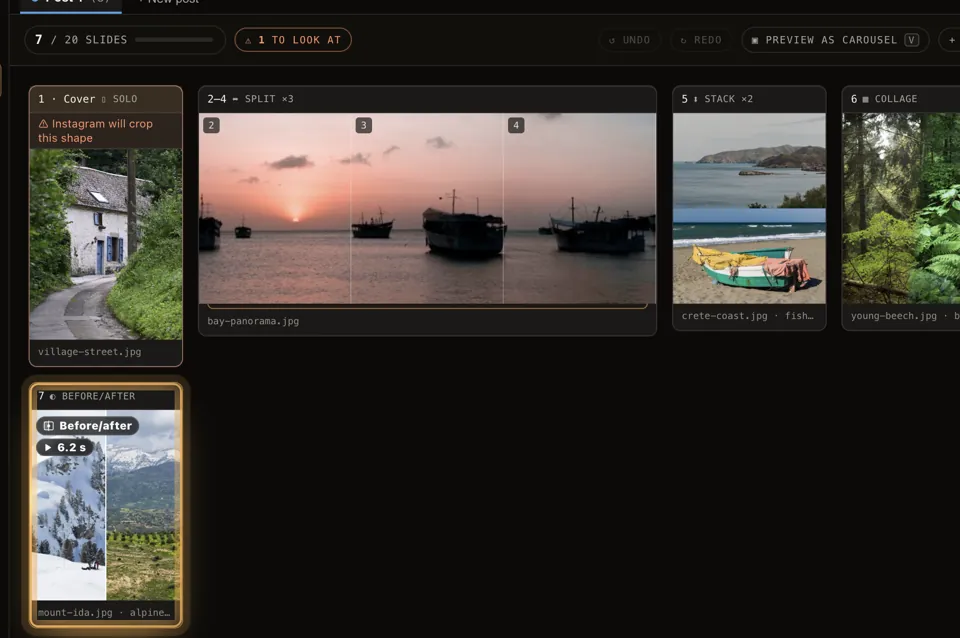
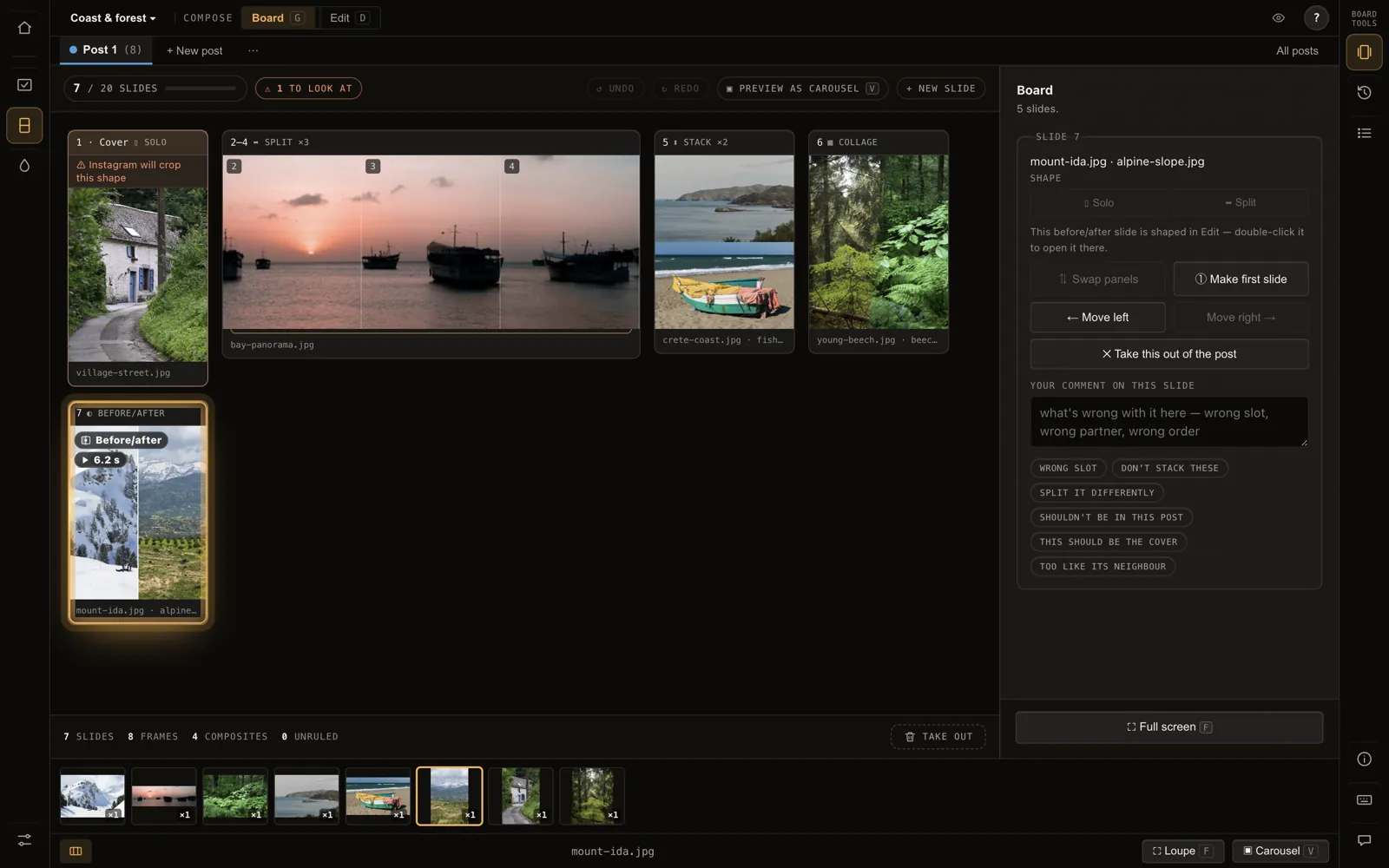
Arrange the keepers into the running order of a post: what opens, which landscapes share a frame, which wide shot scrolls as a panorama.
The slide count stays in sight, since pairing two photos into one frame is what gets a long post under the limit. A project holds as many posts as you like.
Compose: one slide
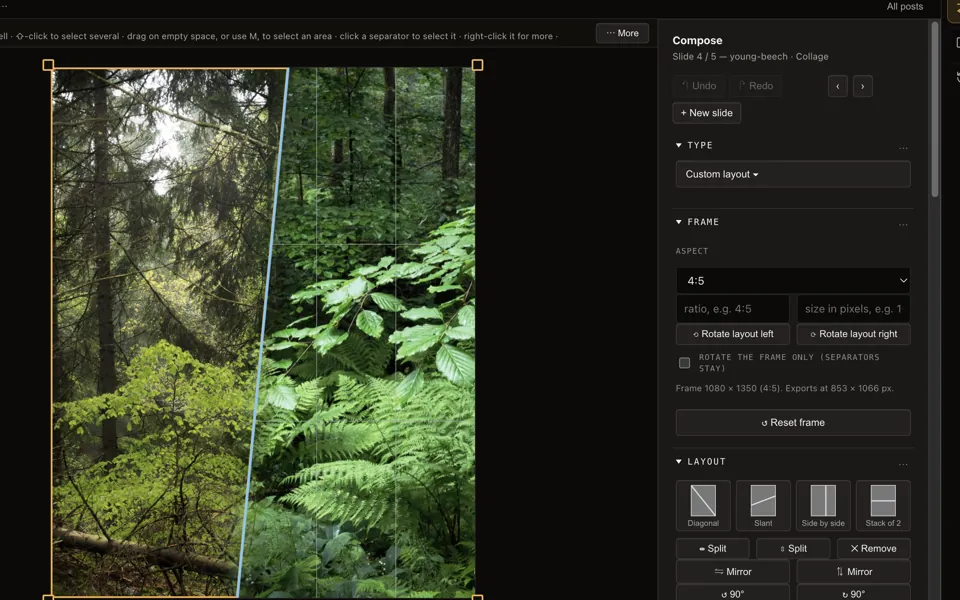
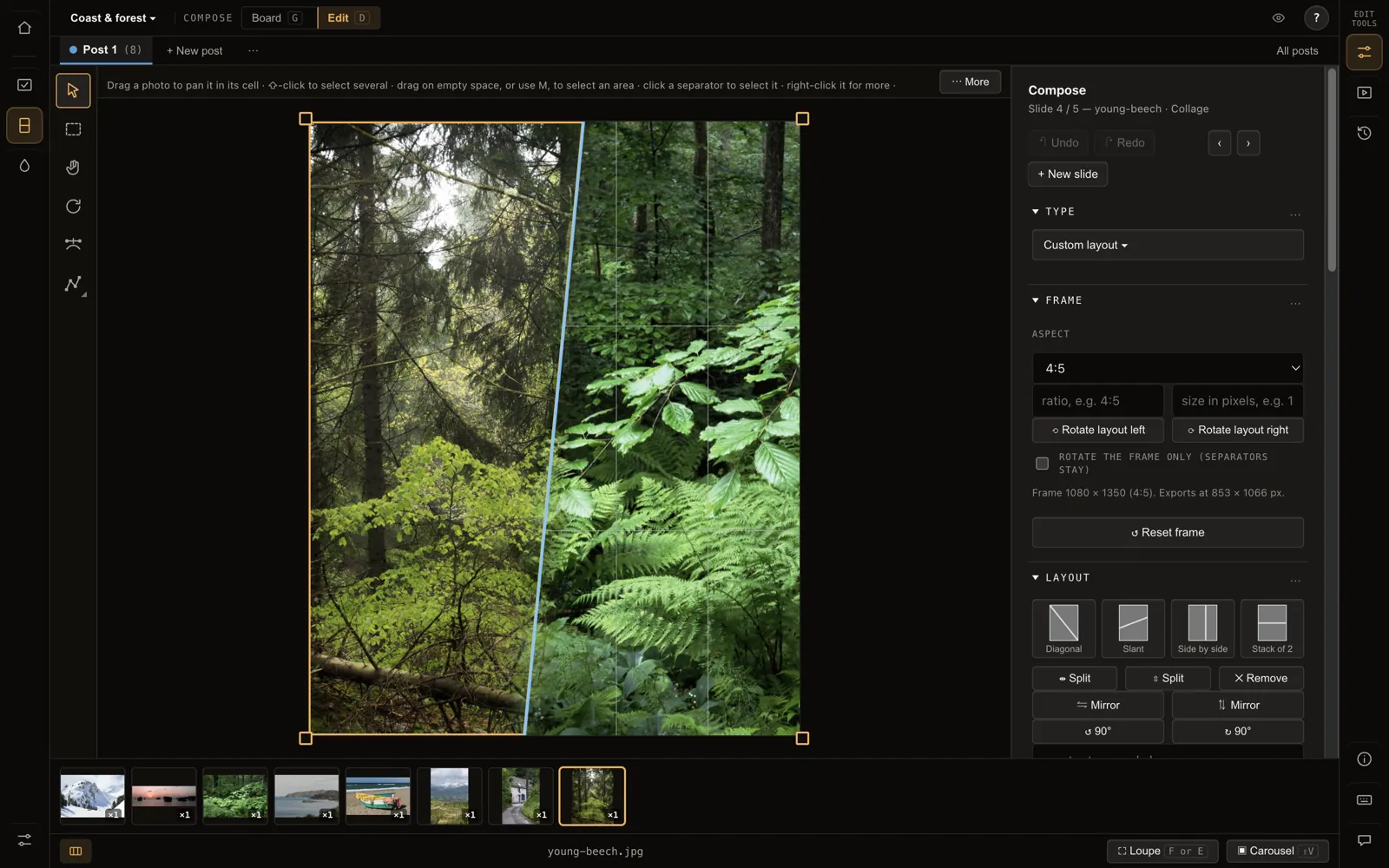
Crop and zoom, collage layouts, separators and fades between panels, backgrounds and frames.
Draw a separator across the slide and it cuts the cells it crosses; soften it into a fade.
Templates
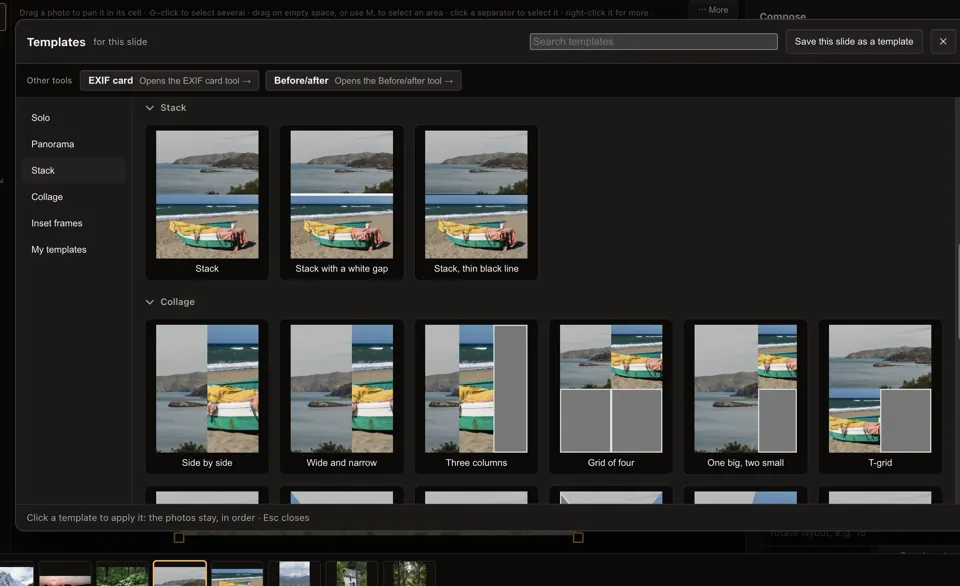
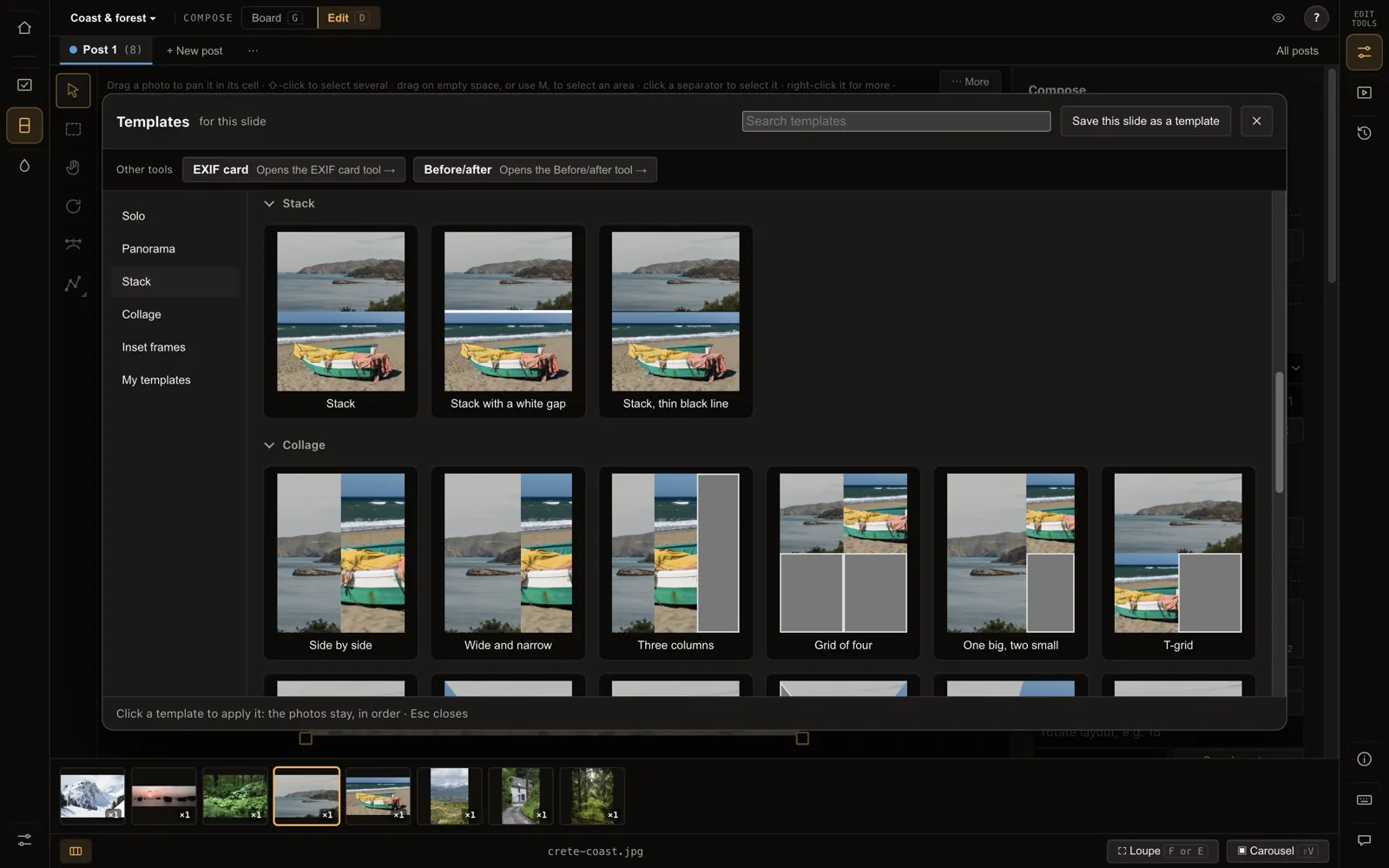
Start a slide from a layout: stacks, side by side, a grid of four, one big and two small. Your photos stay in order; save your own layouts as templates.
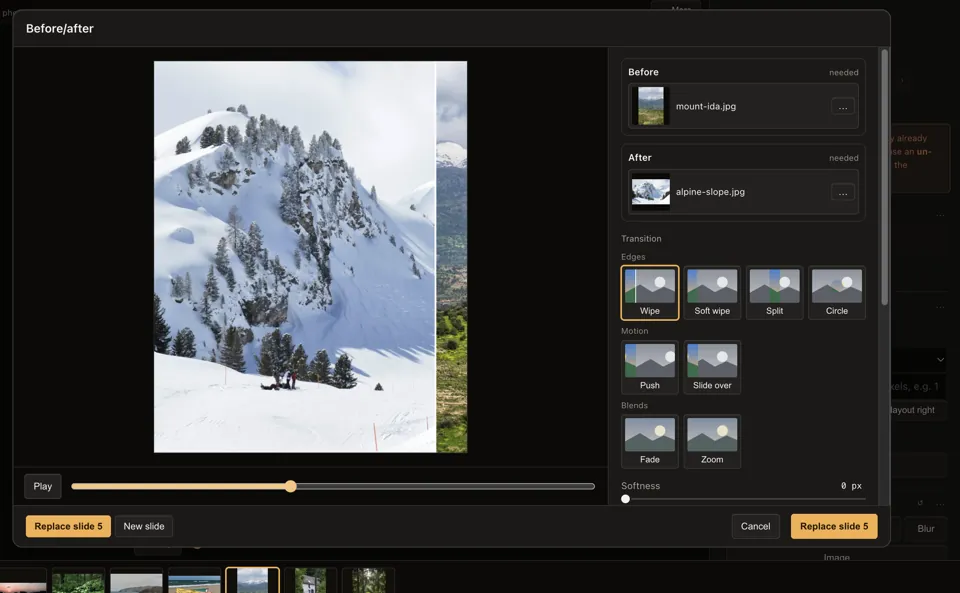
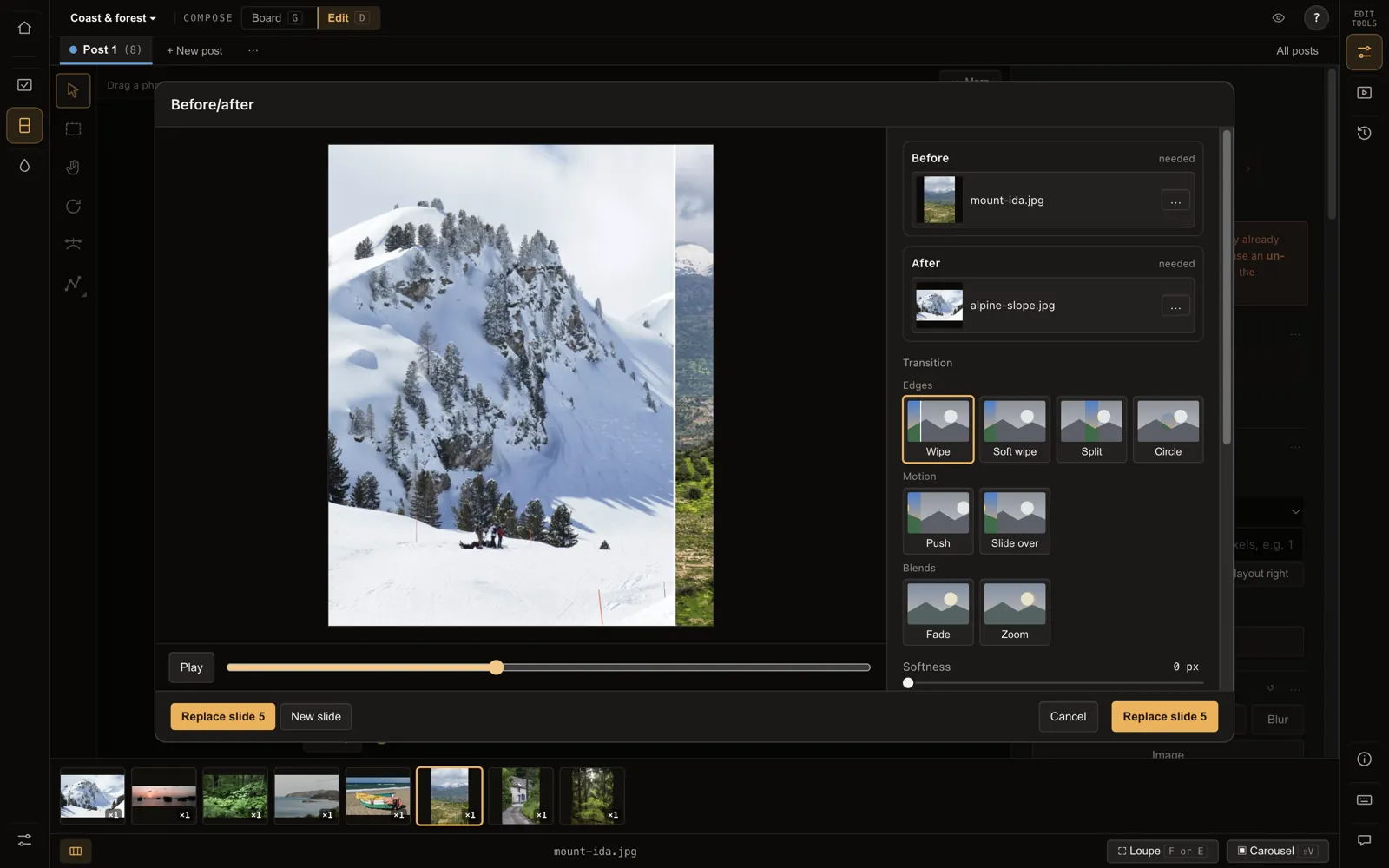
Before and after
A wipe between two versions, exported as a short video (MP4, GIF or WebM). Choose the edge, the motion and the softness.
The MP4 is made by your computer's own encoder, or an FFmpeg you install.
EXIF cards
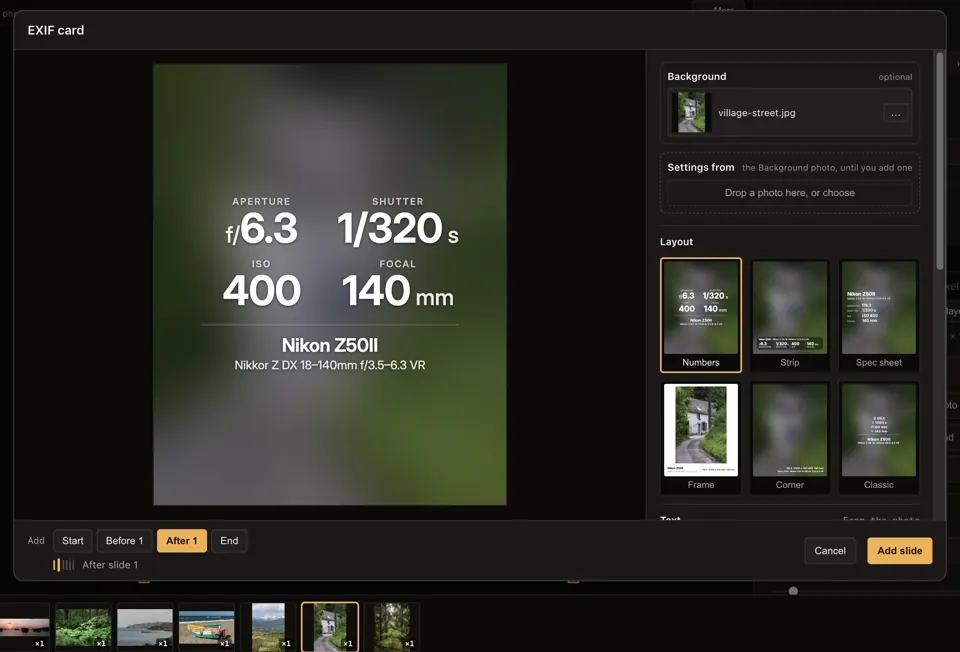
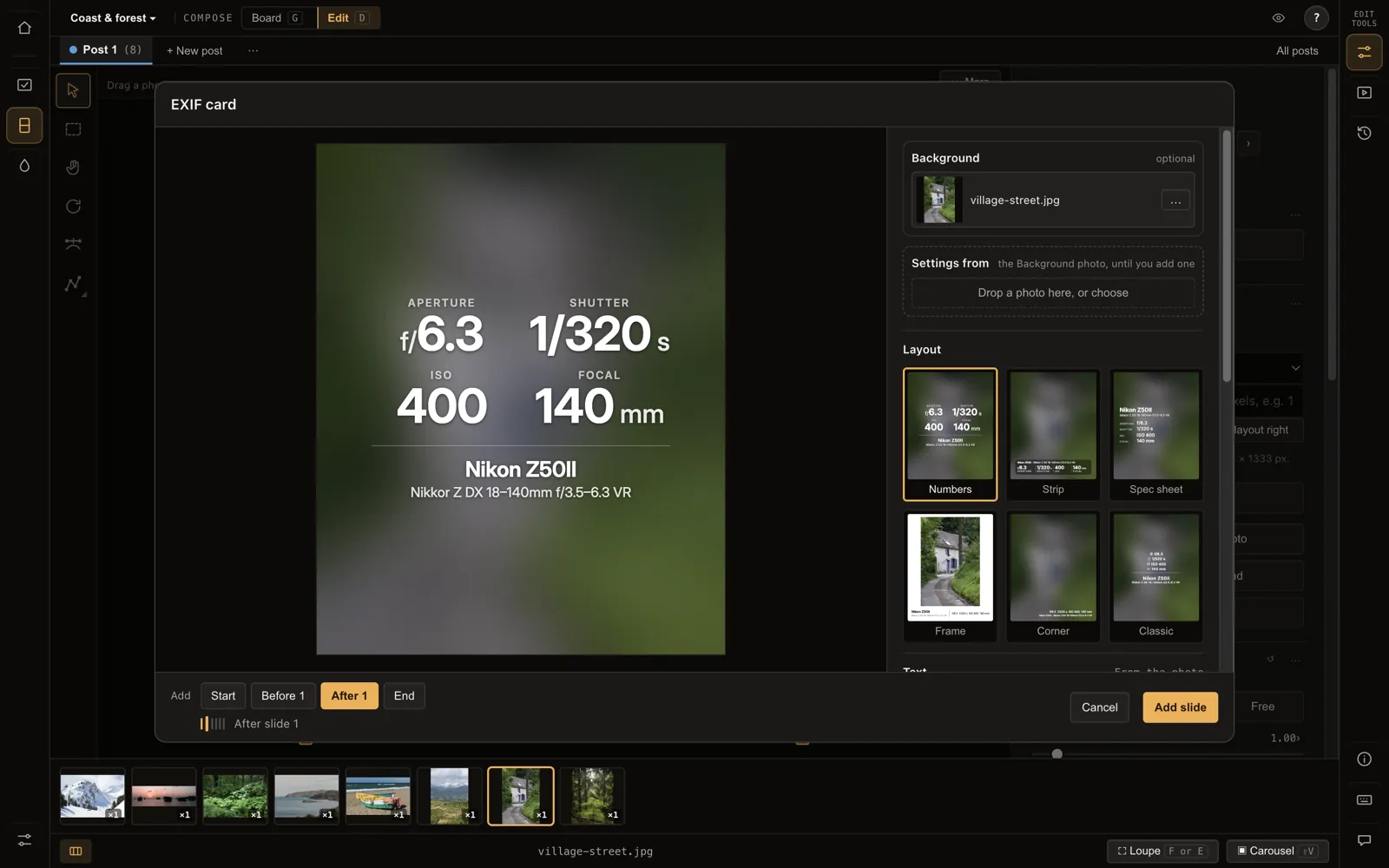
A card for the settings, camera and lens, read from the photo itself, the camera name cleaned up. Add lighting, extras and a credit line.
Watermark
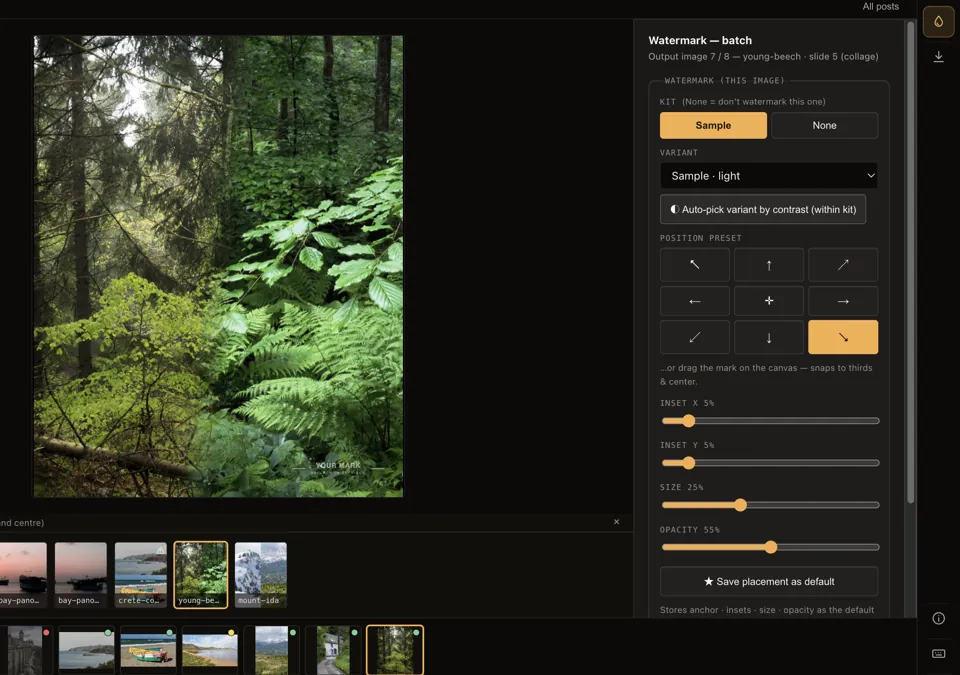
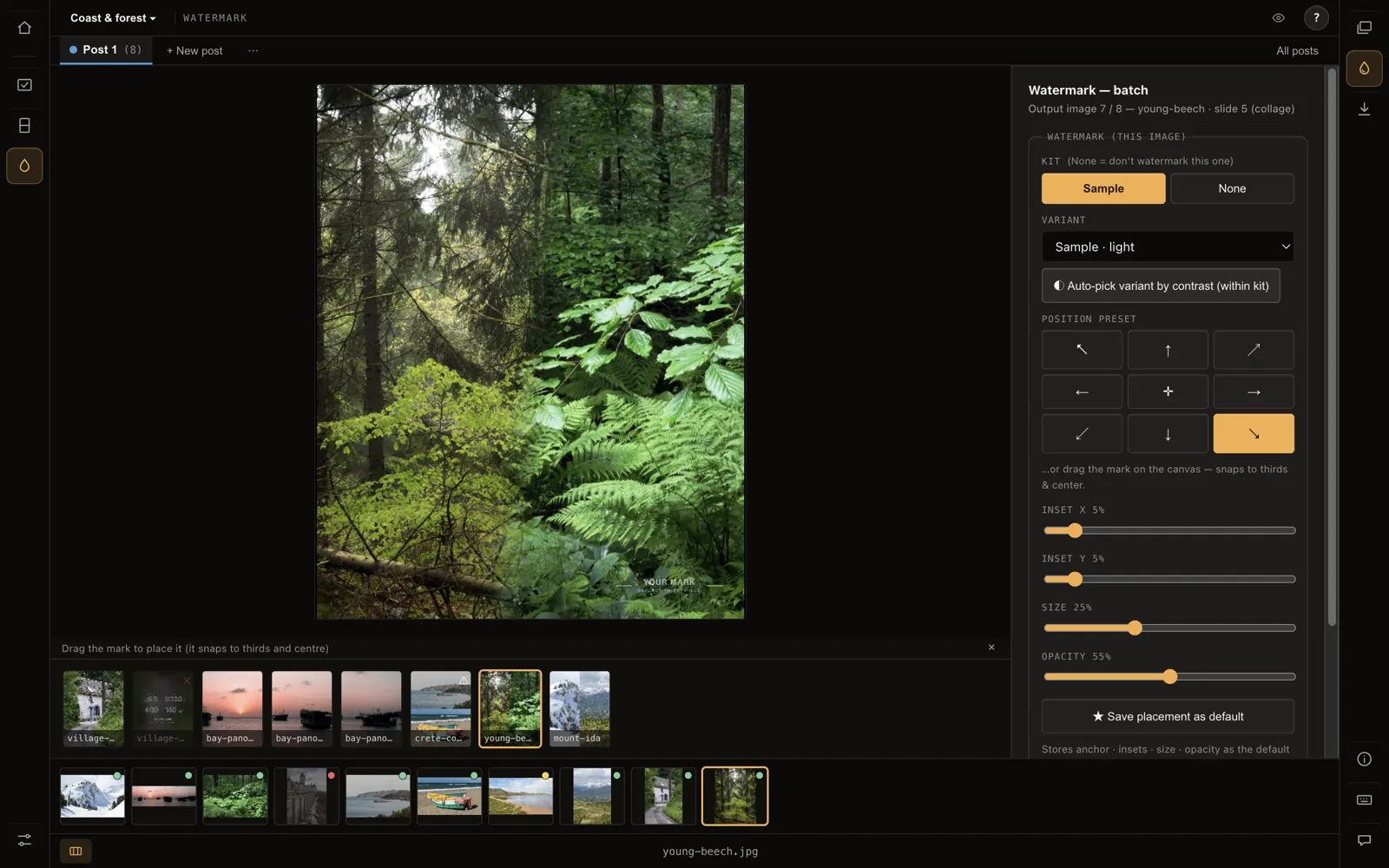
Put your mark on one photo or a whole post. Nine-point placement or drag, and PicPrep picks the version of your logo that stays legible on each photo.
Sizes are measured on the visible logo, not the image file. Back up your marks to one file.
Export
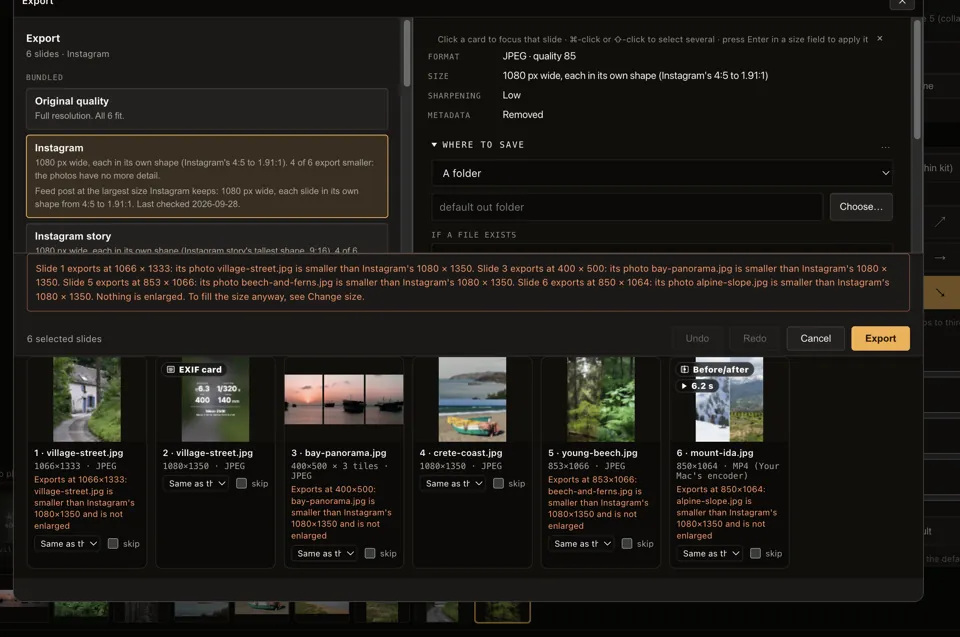
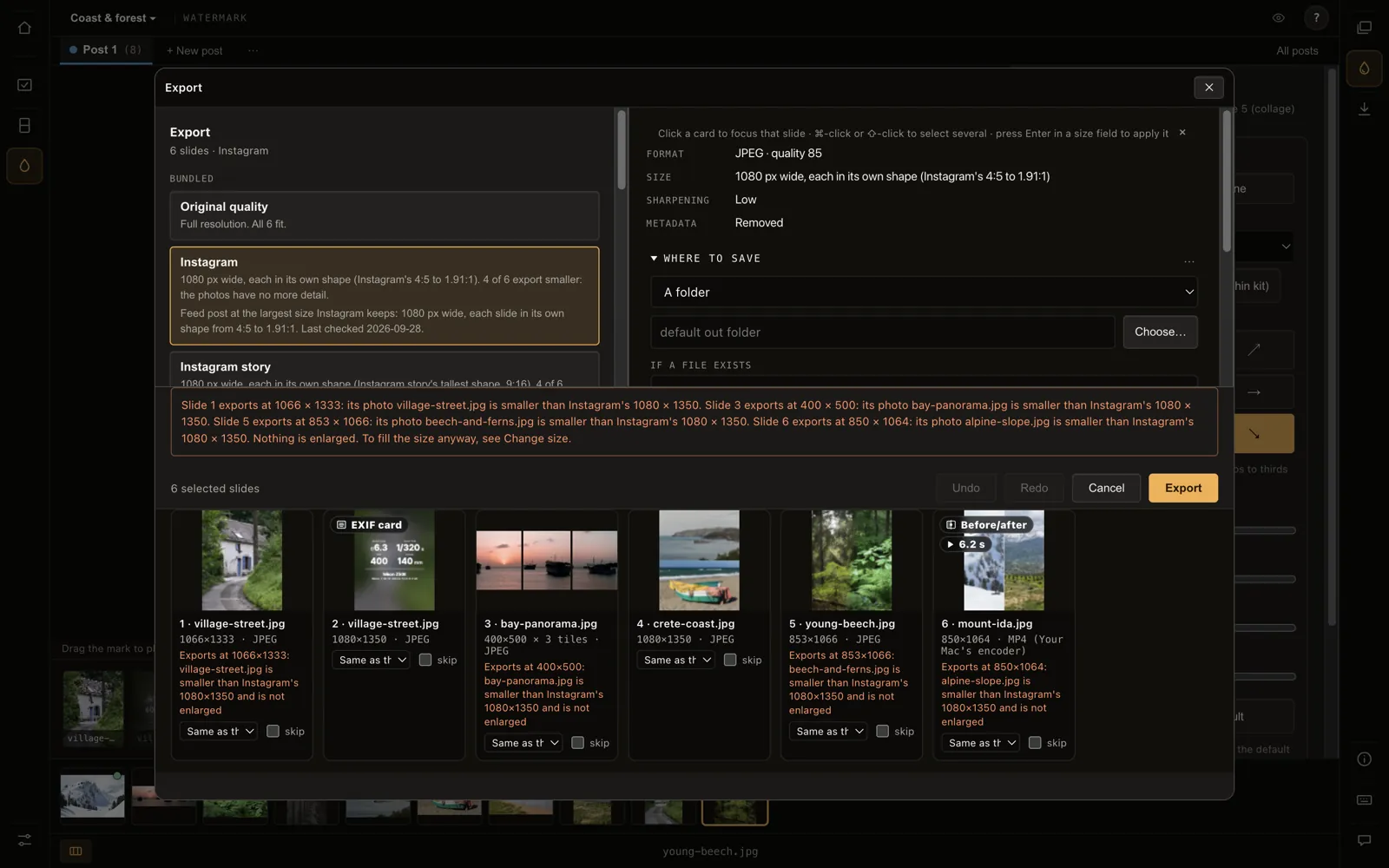
A plan with its warnings before anything is written. Full resolution by default; smaller only when you pick a size or a platform preset, and never enlarged.
Exports are new files, beside your originals or in a folder you choose. Originals are never changed.
Your photos stay on your computer.
PicPrep uploads no photos, loads no remote fonts or scripts, and sends no telemetry. It works offline. The one thing that can leave is a bug report or idea you choose to send: you see everything in it first, and anything private is off until you tick it.
Its local server listens only on your own computer, refuses other websites, and serves only files from folders you opened. What PicPrep sends for your licence and updates is listed in the privacy notice.
Runs on
macOS, Windows and Linux. [System requirements: minimum macOS, Windows and Linux versions.]